You will receive a welcome email directly from Okta.
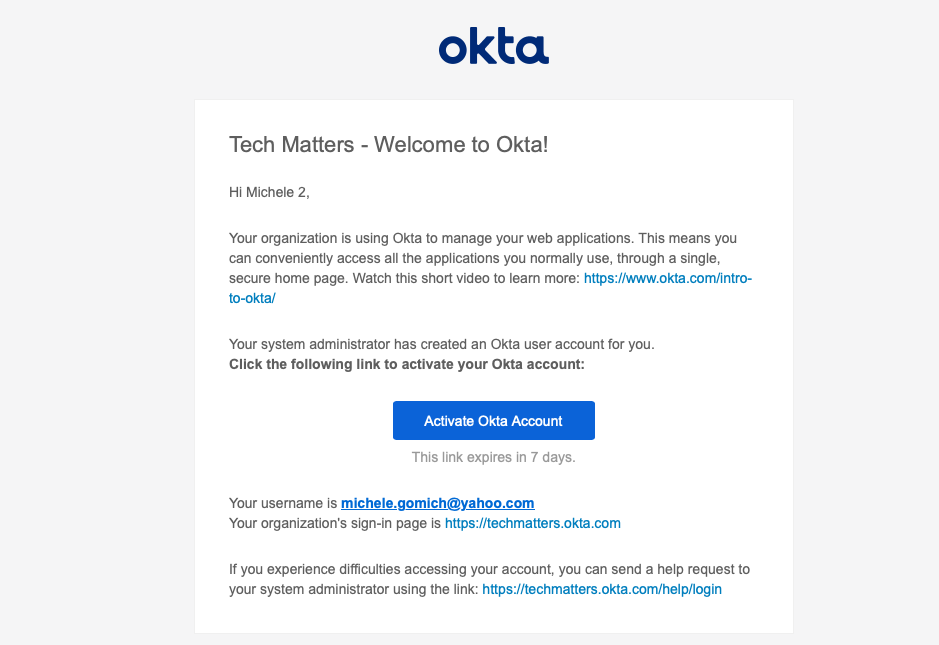
Your username is the same as your email address.
The welcome email will look like this:
Please watch this video on how to activate your Okta Account!
Once you have successfully logged into Okta, add your organization login to your favourites in your browser: https://techmatters.okta.com
Was this article helpful?
That’s Great!
Thank you for your feedback
Sorry! We couldn't be helpful
Thank you for your feedback
Feedback sent
We appreciate your effort and will try to fix the article